Web accessibility checker
Measure a page against WCAG 2.2, and see how to fix what fails.
Probe measures contrast from real pixels, checks every fix in the page before suggesting it, and is plain about what still needs a person.
- Fixes verified in the page
- Needs a human, listed in full
- Counts, not a grade
How it works
What Probe measures
Three results of equal weight: what failed, what a person must judge, and what wasn’t tested and why.
Colours measured from pixels
Probe reads the colours the browser draws, after the page settles, not the ones in the CSS. Text on a gradient or an image is measured as it looks; where the background changes too much to decide, the text goes to a person.
See this finding in the example report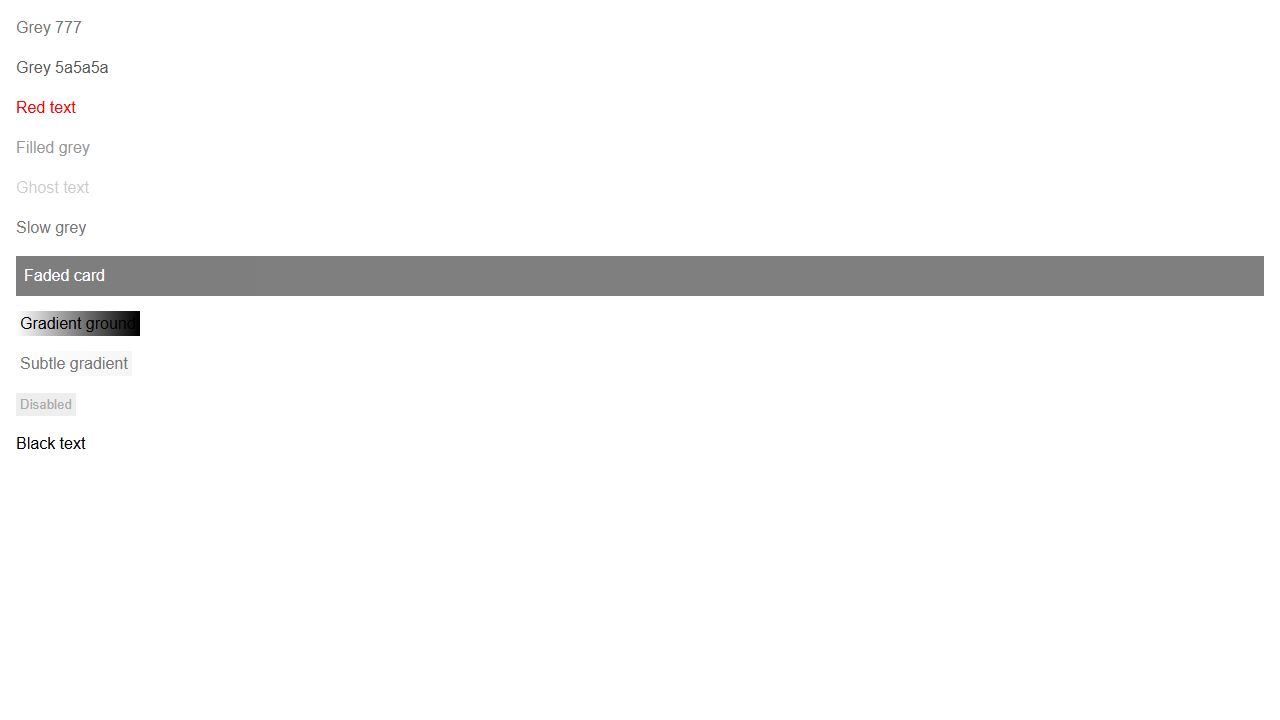
Screenshot taken after measuring, with the element outlined, shown enlarged. - Text
- grey (#777777)
- Behind it
- very light grey (#f5f5f5), the worst pixel behind the text
- Contrast
- 4.10:1, below 4.5:1 for AA and 7:1 for AAA
Every fix checked in the page
A suggested colour is put into the page and measured again before Probe shows it. A fix that doesn’t reach the level is left out, and the report says why. Failures that one change would clear are grouped together.
See these fixes in the example report- Now: 4.47:1 Text grey (#777777) on white (#ffffff)
- AA fix: 4.54:1 Text grey (#767676) on white (#ffffff)
- AAA fix: 7.00:1 Text dark grey (#595959) on white (#ffffff)
Each fix measured again in the page with the colour applied
Three results of equal weight
Failed, Needs a human and Not tested. What automation couldn’t decide, and what it skipped and why, are listed as fully as what failed.
Open the example reportfindings in all
- Failed
- Needs a human
- Not tested
Counts, not a grade.
Plus axe-core. Probe also runs axe-core, the open-source rules engine, for things such as missing image text and buttons with no name. Each finding links to the rule it comes from.
Honest about its reach
What it can’t tell you
An automated scan can't show a page is accessible. It shows what was measured.
Most of WCAG needs a person: whether a text alternative is accurate, whether a heading describes its section, whether the order makes sense. Every report lists all 86 criteria, with what a person still needs to look at.
WCAG 2.2 at levels A, AA and AAA: 86 criteria
4.1.1 is obsolete, so it is left out.
- Checkedby automation, with a person checking what the note says
- Partly checkedautomation finds some problems; a person still tests them
- Not checkedonly a person can test these
Get started
Ways to use it
The same report, wherever you run it.
Scan a page here
Paste an address, and the report opens here in about 30 seconds. Free, with no sign-up.
Useful for a quick look at one public page.
Scan a pageOpen a report file
Open a report, a folder of them, or a
.zipof them. It stays in your browser: nothing is uploaded.Useful for reading reports from Probe’s command-line tool, and recording your decisions about them.
Open a report
Questions
Before you scan
Straight answers about what Probe does and doesn’t do.
Does a clean scan mean there is nothing left to fix?
No. It means nothing Probe measured failed. 54 of the 86 WCAG 2.2 criteria need a person, and every report lists each one with what to look at.
What does a person still need to check?
Things only judgement can settle: whether text alternatives say what an image means, whether headings and labels describe what they introduce, whether the reading and focus order make sense, and whether the page works with a keyboard and a screen reader. The report’s coverage table says what to look at for each criterion.
Is the page I scan stored?
The report and a screenshot of the page are kept for 30 days, so the report’s link keeps working until then, and anyone with the link can open it: scan only public pages. After 30 days both are deleted. Nothing about you is kept with it. Your IP address is counted for a day or two to limit how many scans one address can start, then deleted.
Is it free?
Yes, with no sign-up. Each address can start 10 scans every 10 minutes, so the scanner stays available for everyone. The report viewer is free too.
Why is a finding in Needs a human?
Because automation couldn’t decide it: for example, text over an image or a gradient whose background changes too much to measure, or an axe-core rule that needs a person to judge. Each one says why.
See what a scan measures on your page
Every fix checked in the page. Everything a person must judge, listed.